PixBlox
Roblox Thumbnail Maker
Explore Roblox thumbnail creator ideas, choose a visual style, and save a brief for your next game image. Image generation is coming soon.
AI concept artwork for inspiration. These images were created separately, not by the live PixBlox generator.
Roblox thumbnail ideas for your next game
AI concept artwork for inspiration. These images were created separately, not by the live PixBlox generator.
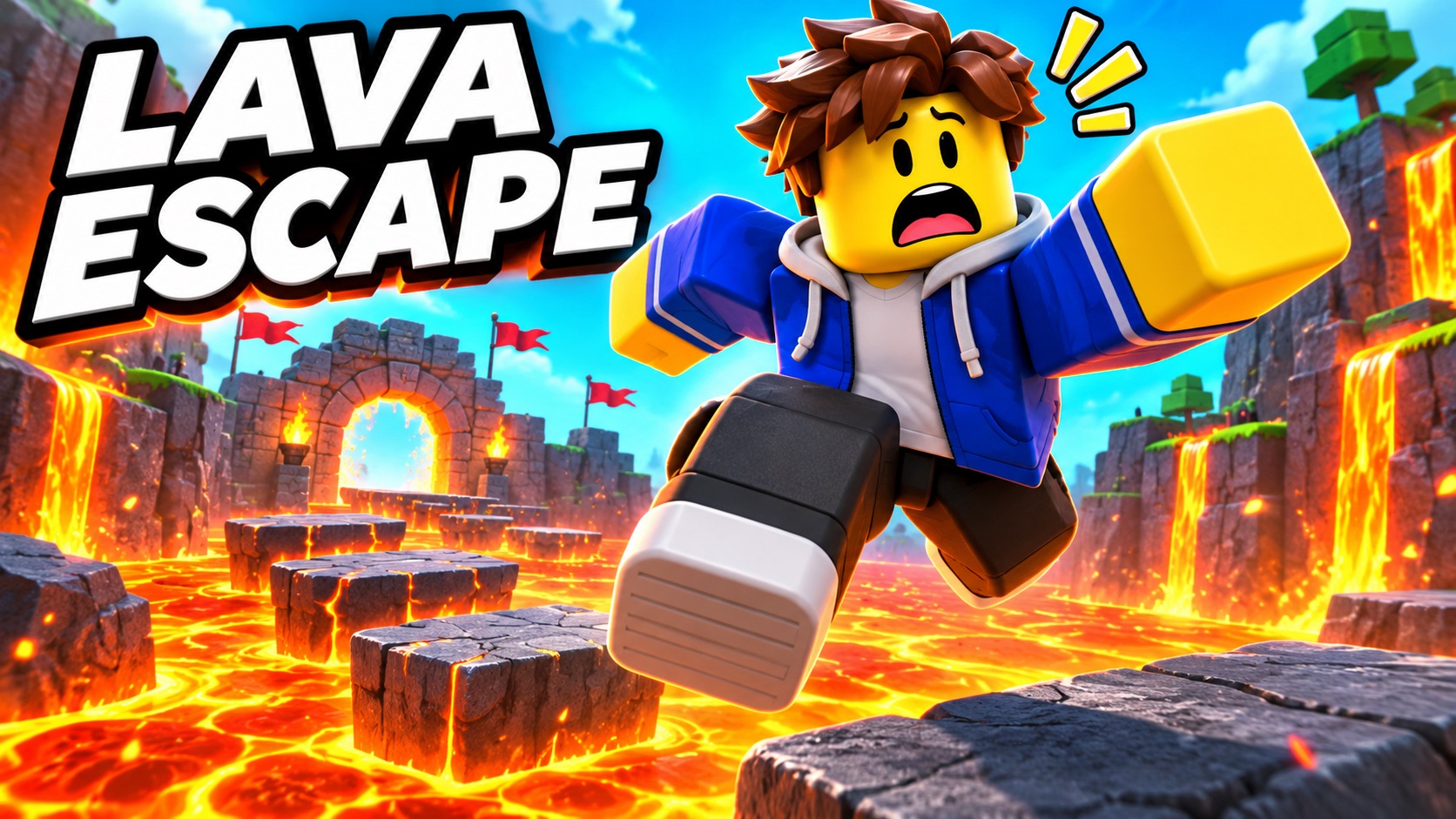
For an obstacle-course thumbnail, build the scene around one jump. The lava gives the viewer an immediate sense of danger, while the bright character stays distinct from the background. Describe the direction of movement and leave a quiet area for a short title. Avoid adding several competing hazards that make the image difficult to read at a glance.
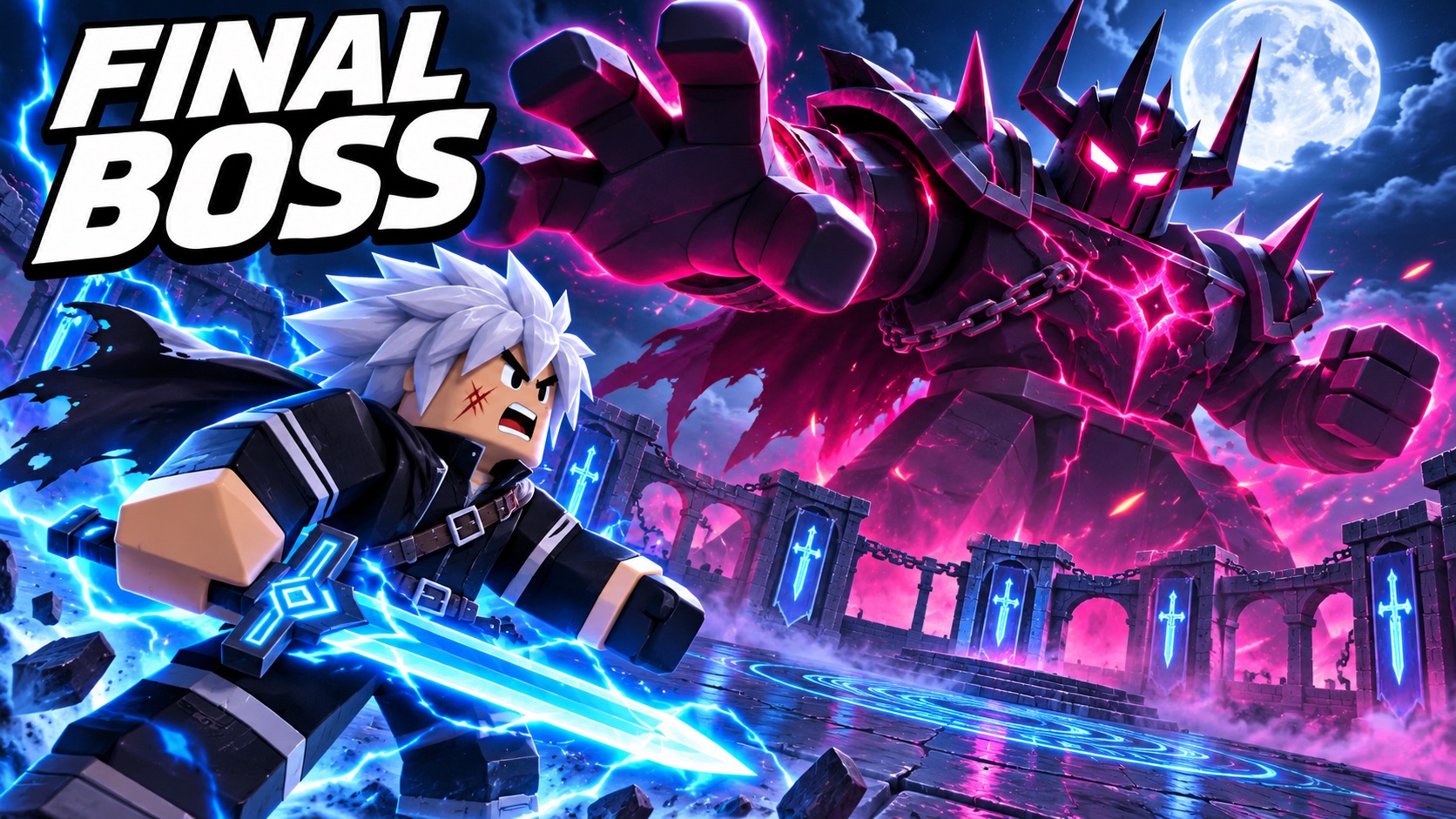
For a boss-battle thumbnail, make the relationship between hero and enemy obvious. A small foreground character and a large opponent communicate the challenge without a long caption. In your brief, name the focal character, the enemy silhouette, and one lighting effect. Use contrast to separate them instead of filling every part of the scene with sparks.
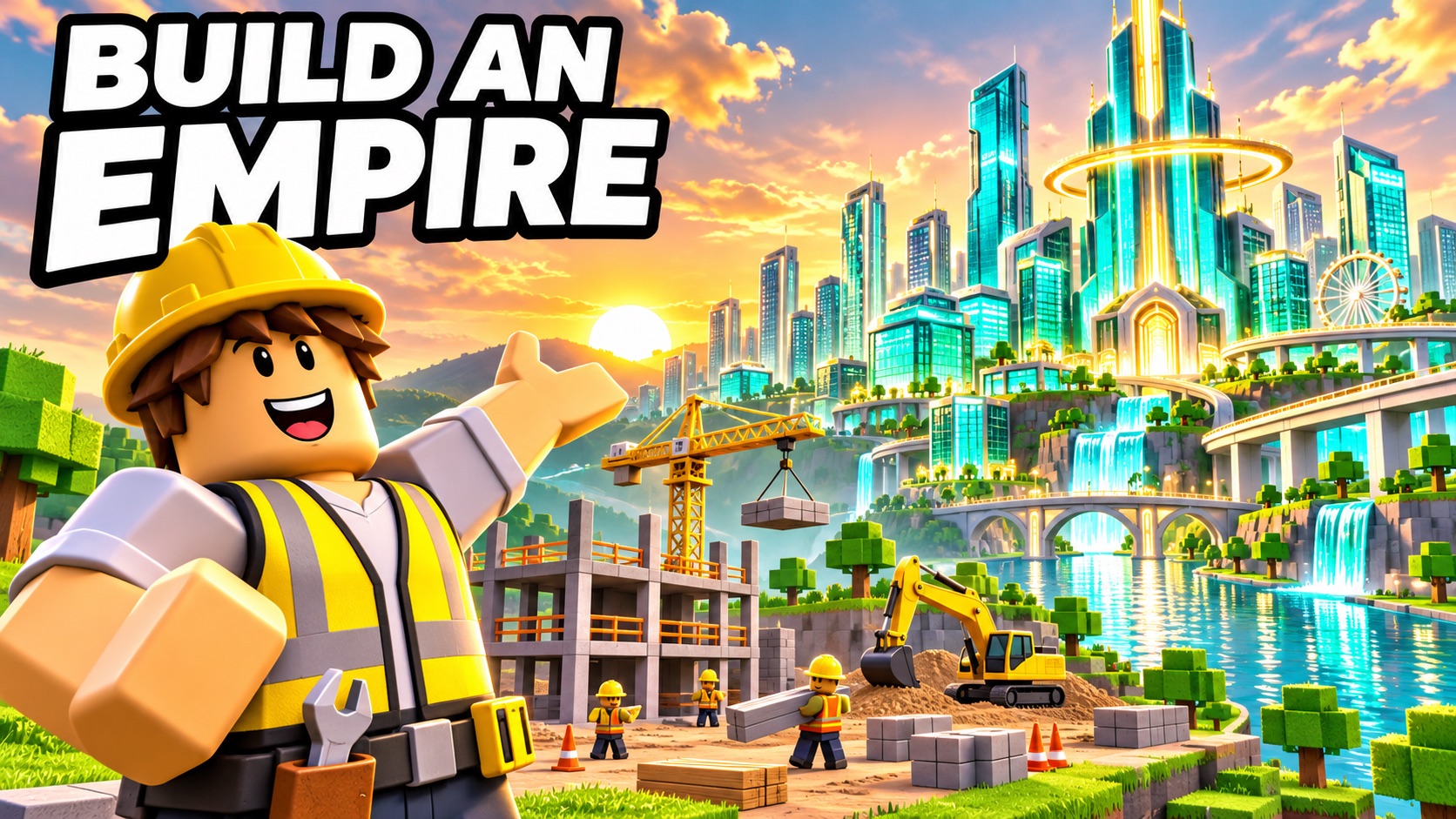
For a building or tycoon game, show what the player is working toward. A recognizable builder beside an ambitious skyline gives the thumbnail a clear subject and goal. Describe the scale, time of day, and one signature structure. Keep the skyline simple enough that the main building remains recognizable when the thumbnail is reduced to a small card.
Plan a Roblox game thumbnail in 3 steps
- 1
Describe one game moment
Start with the experience a player should recognize: escaping a lava course, challenging a boss, or building a city. Add the main character, a single action, and the setting. If you want words on the eventual image, include the exact title in your description and explain where you would like space for it.
- 2
Choose a visual direction
Use Cool for a crisp action direction, Bold & dramatic for an exaggerated focal moment, Anime for an illustrated battle idea, or Art for a more expressive treatment. The selection is saved as a label in your text brief. It does not apply a filter to the concept examples or generate a new picture in this preview.
- 3
Download your creative brief
Download a plain-text file containing your scene and selected style. You can keep it with your game notes, revise it in a text editor, or share it with a designer. The download is a creative brief, not an image. Your text stays in the form during this visit; save the file before closing or reloading the page.
Prepare a readable Roblox thumbnail
Before working on final export settings, check the composition at a small viewing size. Keep the main character separate from the background, limit title text to the essential words, and avoid hiding important details at the edges. Our size guide is still being prepared and does not yet provide verified dimensions or an export tool. The concept images here are inspiration, not upload-ready specifications.
View size guide statusSelected credit packs
One-time credit packs. Generation and checkout are coming soon; purchases are not open.
40 standard credits
Selected one-time pack
- A standard image is 1 credit
- One-time purchase, no auto-renew
100 standard credits
Selected one-time pack
- A standard image is 1 credit
- One-time purchase, no auto-renew
Roblox thumbnail maker questions
Can this Roblox thumbnail maker generate an image now?
No. This preview lets you browse concept images, select a visual direction, and download a written brief. Image generation, result previews, and image downloads are not connected yet. The three illustrated examples were created separately for this page and are clearly labeled as concept artwork. They are not results from submitting the form.
Is the Roblox thumbnail maker preview free?
Yes, browsing examples and downloading a text brief use no credits. This is not an offer of free image generations. The planned one-time packs are $6.99 for 40 credits and $12.99 for 100 credits, with one credit planned per standard image. Checkout is not open, and the packs do not represent an active subscription.
Do I need design skills to write a thumbnail brief?
No. Start with a character, an action, and a setting in ordinary language. The optional prompt starters show how those details fit together. Add a short title and a lighting idea only when they help explain the scene. You do not need to upload an avatar, install software, or create an account to save the text file in this preview.
Can I use Roblox thumbnail concepts commercially?
Commercial-use rights for future generated outputs are not established by this preview. Only describe characters, logos, and other material you have permission to use, and review applicable terms before publishing a finished image. The page does not promise exclusive rights, clearance of third-party content, or approval by Roblox. Product usage terms will need to be finalized before image generation launches.
What Roblox thumbnail size does PixBlox export?
No image size is exported yet: the current download is a .txt brief. The example artwork should not be treated as an official Roblox upload specification. Our size page records the guide’s current status. Verified dimensions, supported formats, and an actual image export flow will need to be added before the tool can promise upload-ready thumbnails.
How is PixBlox different from RoThumbs?
PixBlox currently offers a preview focused on writing and saving a thumbnail brief. It is not yet a working image-generation alternative, so an output-quality or speed comparison would be premature. You can inspect the concept examples and prepare an idea here, but should compare finished results only after the live generation workflow becomes available.
Give your next game moment a clear direction
Choose a scene, describe what matters, and save your brief. No image generation or purchase is required to explore the preview.
Explore Roblox Thumbnail MakerPixBlox is an independent project and is not affiliated with Roblox Corporation.